
Below is a key detailing how to navigate the RMB questions and get the most out of the platform.
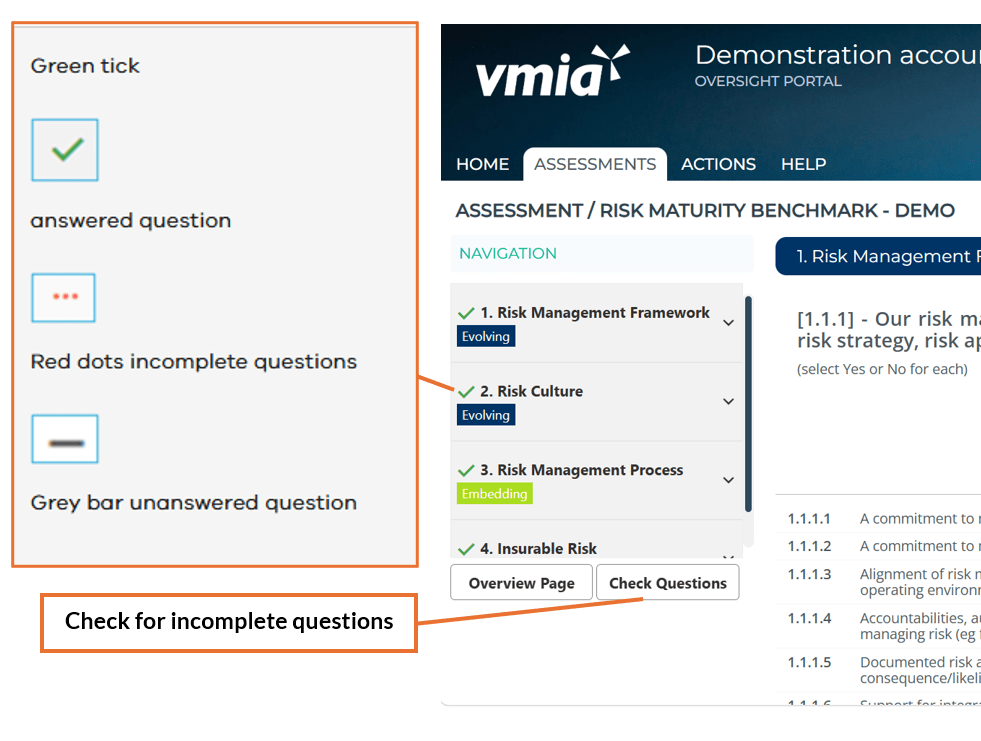
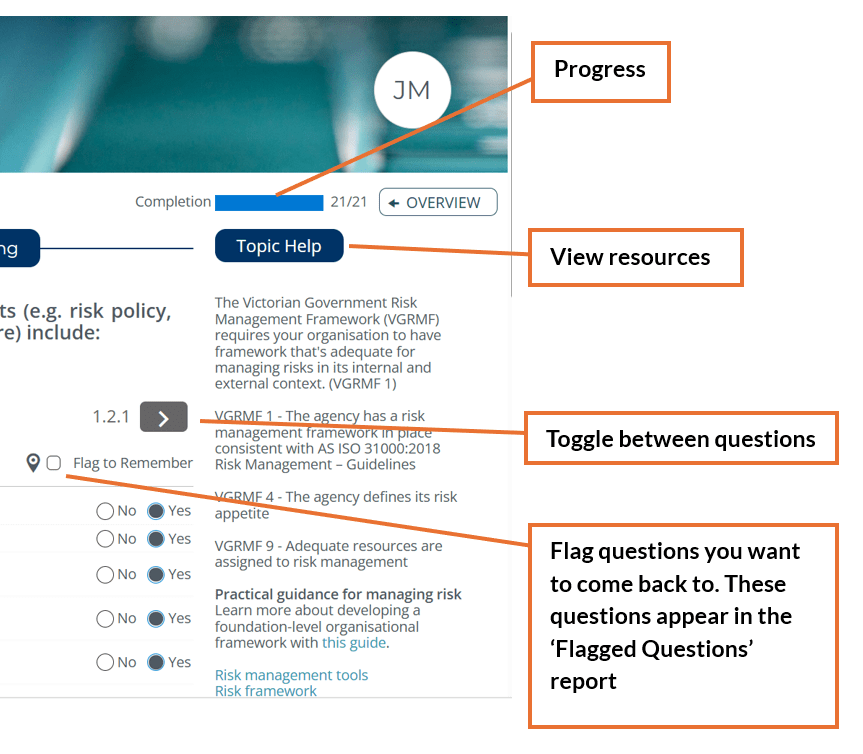
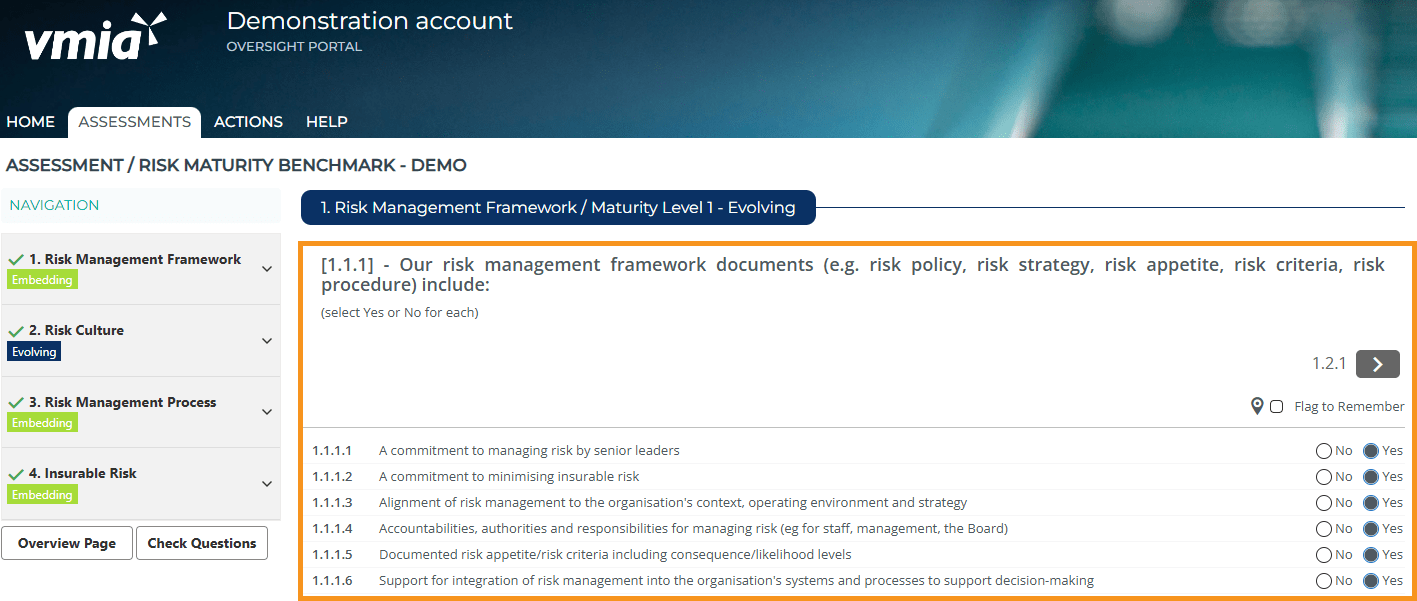
- Read each question, and select 'Yes' or 'No'.
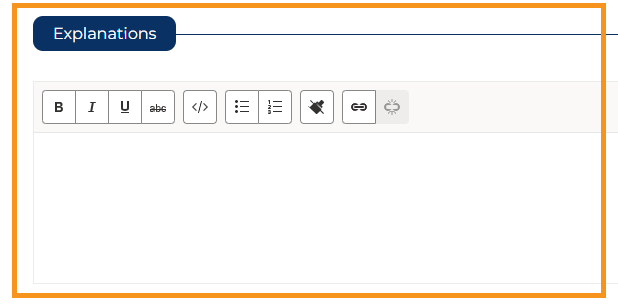
- Scroll down and provide explanations to document the rationale behind your answer (optional).
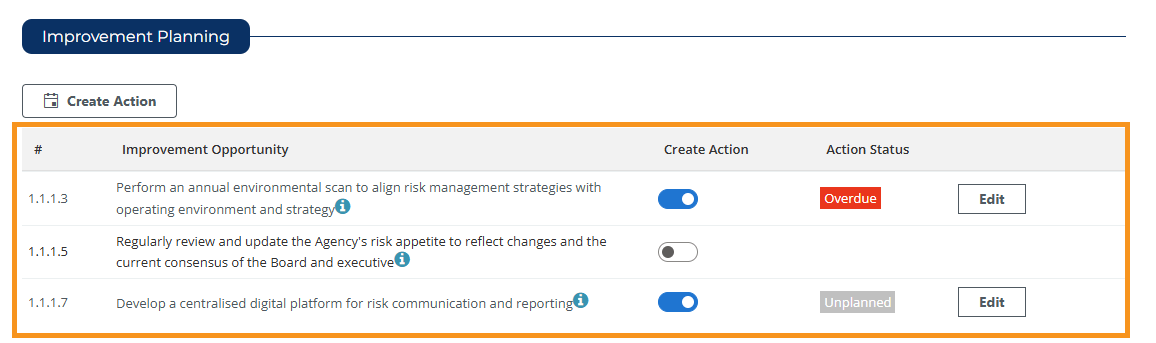
- Selecting ‘No' to a question will activate an 'Improvement Opportunity' which shows at the bottom of the screen.
- The RMB self-assessment automatically saves your work – there are no save buttons.
Video guide
Updated