
Log in to the Self-Assessment Hub (the Hub).
(opens in a new window)
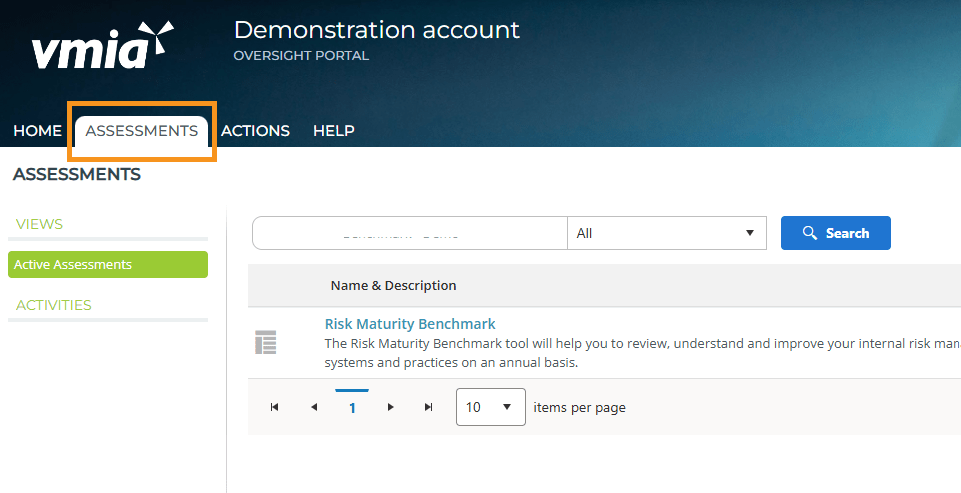
- From the Hub homepage, click on the 'Assessments' tab at the top of the page.
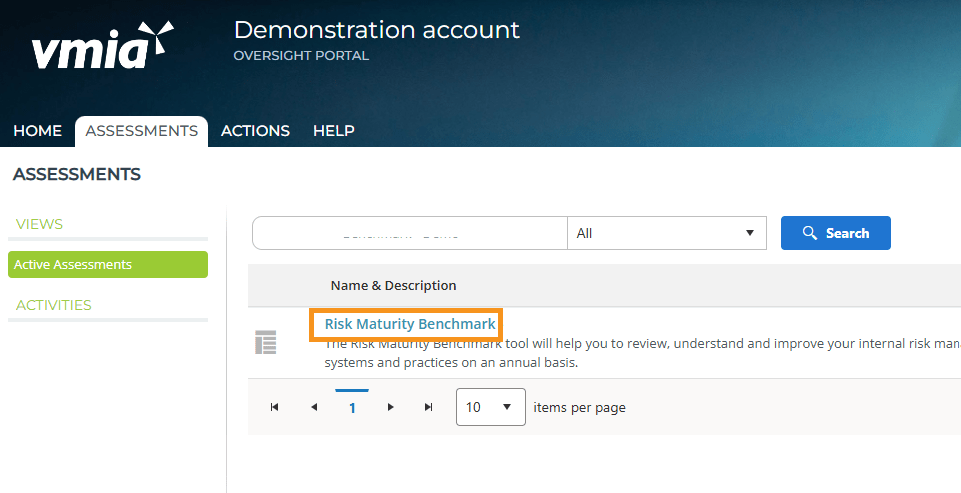
- Click on the assessment name and the campaign page will appear.
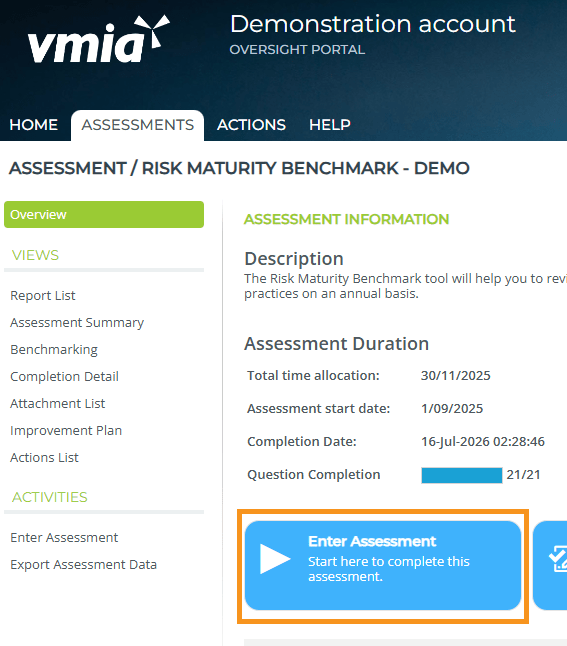
- Click on the ‘Enter Assessment’ button.
Updated